

.avif)
Moving is tough, but moving a fully automated smart home adds a whole new layer of complexity. You aren't just packing hardware; you're packing a digital ecosystem.
Here is your guide to safely relocating your smart devices so your new house feels like your smart home on day one.
1. The Digital Prep (Before You Unplug)
Don't just yank the cords out of the wall. A little digital housekeeping saves hours of troubleshooting later.
- Screenshot Your Setups: Take screenshots of your current device routines, automations, and room layouts in your Google Home, Apple HomeKit, or Alexa app.
- Factory Reset What Stays: Leaving a smart thermostat, smart lock, or video doorbell for the new owners? Factory reset them immediately so your personal data and network info are wiped clean.
- The Ultimate Wi-Fi Hack: When you set up the internet at your new home, make the Wi-Fi network name (SSID) and password exactly the same as your old one. Most of your smart devices will automatically reconnect without needing to be paired again!
2. The Takedown & Labeling
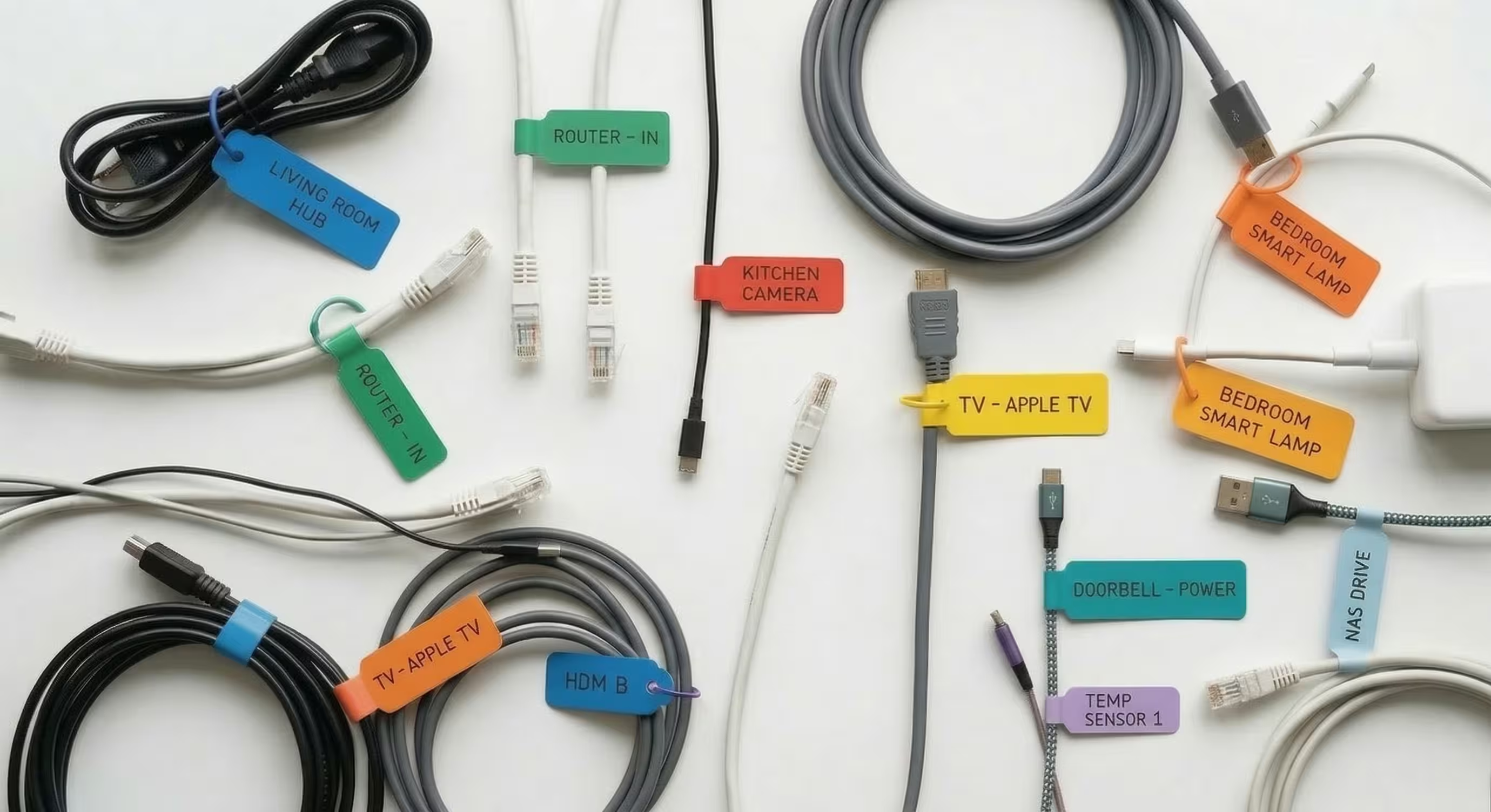
Smart devices come with dozens of proprietary power cables, tiny sensors, and specific wall mounts.
- The Tape Trick: Wrap a piece of masking tape around every single power cord and write exactly what it belongs to (e.g., "Living Room Camera Power").
- Bag the Hardware: Put screws, wall mounts, and brackets into clear Ziploc bags. Tape the bag directly to the device it belongs to.
- Remove All Batteries: Take out batteries from window sensors, smart locks, and portable cameras to prevent corrosion or accidental activation inside the moving truck.
3. Safe Packing Strategies
Treat your smart tech with the same care you would give to fragile glassware.
- Original Boxes are Best: If you kept the original packaging, use it. It is custom-molded to protect that specific screen or sensor.
- Anti-Static Wrapping: Wrap smart hubs, displays, and delicate cameras in anti-static bubble wrap.
- Watch the Temperature: Extreme heat or cold in the back of a moving truck can damage delicate sensors or ruin internal batteries. Pack your most expensive and essential smart gear in a "First Day Box" and transport it in the climate-controlled cabin of your car.
4. Reconnecting at the New Place
- The "Brain" Goes First: Unpack and set up your modem and main Wi-Fi router/mesh network before anything else. Your smart devices are useless without a solid connection.
One Room at a Time: Don't plug all 30 devices in at once. Set up your primary hub, then connect the living room, test the network, and move on to the next space.